A reliable read on hotel photos never comes from one trick. Run a short chain of checks instead: a reverse-image search through Google Lens, a look at guest-submitted photos, an independent address and phone check, a scan of reviews across platforms, and caution around any request to pay off the booking site, as the FTC advises.
TL;DR:
- Use Google Lens on listing photos and cropped details; a match to another hotel or stock library is a warning, while no match proves nothing.
- Prioritize recent guest photos on Google Maps and review sites, then compare room layout and amenities; old reviews cannot confirm what a room includes today.
- Independently confirm the hotel’s address and phone, and call about the exact room category; never pay outside the booking platform, and contact your bank promptly if you sent money.
- Treat detector scores and missing photo metadata as clues, not proof; save screenshots of the listing, price, messages, and URL before booking or reporting it.
Table of Contents
- Quick Checklist: 7 Checks to Run Before You Book
- How to Run Reverse-Image Searches and Google Lens
- Verify With Guest Photos and Cross-Platform Reviews
- AI Image Detectors and Automated Tools: Realistic Use and Limits
- If a Listing Looks Suspicious: Verify, Preserve Evidence, and Report
- Why a Chain-of-Evidence Approach Works
- Checking for Watermarks and Copyright Information on Images
- Using EXIF Data to Verify Photo Authenticity
- Consulting Hotel Official Websites and Social Media for Original Photos
- Why Cross-Referencing With Recent User-Generated Content Matters
- Author's Short Example: How I Ran the Checks and What Proved Decisive
- How We Help: Verified Listings and a Free Chrome Extension
- FAQ
- Sources
Quick Checklist: 7 Checks to Run Before You Book
You don't need an hour to protect yourself from a misleading listing. Work through these checks in order, and stop as soon as something feels off enough to walk away.
- Run the main photos through Google Lens or a reverse-image search.
- Crop tight on one detail (the tub, the logo, the view) and search that crop separately.
- Look for guest or visitor photos on Google Maps and review sites.
- Search the hotel's name and address together on a different platform to confirm it exists and matches.
- Scan for visual red flags: blown-out lighting, warped edges, or only one or two angles of the room.
- Notice whether the booking or payment process ever asks you to leave the platform.
- Screenshot everything before you book, including the listing page and the price.
Pro Tip: If you only have two minutes, skip straight to checking for guest photos and confirming the address independently. Those two checks catch most problem listings on their own.
How to Run Reverse-Image Searches and Google Lens
On desktop, right-click any photo in Chrome and choose the search option, or go to Google Lens and upload the image or paste its URL. On mobile, open the Lens icon inside the Google app or the Chrome address bar and point it at a saved photo.
- Crop in on one feature, like the jacuzzi, the logo, or the window view, and search that smaller piece on its own.
- Smaller crops often surface stock libraries or unrelated listings that a full-image search misses.
- Check whether results show the same photo tied to a different hotel name or a stock photo site.
No matches don't prove a photo is real. Google's own guidance notes that Lens returns similar images and pages that contain the same or a similar image, but a new photo or one stripped of identifying details may return nothing at all, which means a clean search result is a good sign, not a guarantee.
Verify With Guest Photos and Cross-Platform Reviews
Marketing photos show a room at its best angle, lit for a brochure. Guest photos show what travelers actually walked into, which makes them one of the fastest ways to check a listing against reality.
- Check Google Maps under "Photos from visitors" for images uploaded by people who stayed there, not the property itself, like those found in this extensive photo gallery showing real visitor photos.
- Browse TripAdvisor and the review section of the booking site for guest-submitted room shots.
- Search the hotel name as an Instagram location tag for recent, unfiltered photos.
- Compare furniture placement, window views, and finishes across guest photos and the official listing to confirm they show the same room type.
A listing with hundreds of reviews but zero guest photos is worth a second look, especially if the review text praises an amenity, like a private jacuzzi, that never shows up in anyone's own pictures.
AI Image Detectors and Automated Tools: Realistic Use and Limits
Automated detectors can flag a suspicious photo, but they're not a verdict. An RMIT expert, Dr. T.J. Thomson, describes AI-image detectors as "hit-and-miss" and recommends building a picture from multiple cues rather than trusting one automated score.
- Treat a detector flag as a reason to dig further, not a final answer on its own.
- Run the detector first, then confirm with a reverse-image search and a check for guest photos.
- Remember that a photo missing metadata isn't necessarily fake, since many platforms strip that data automatically on upload.
Pro Tip: Weight guest photos and address verification more heavily than any single detector score, since those two checks are harder to fake convincingly.
If a Listing Looks Suspicious: Verify, Preserve Evidence, and Report
When something doesn't add up, work through these steps in order rather than booking and hoping for the best.
- Call the hotel directly using a phone number you found independently, not the one on the listing, and ask about the exact room category and whether they can send a current photo.
- Screenshot the listing, the URL, any messages, and the price, and note the date and time on each.
- If a host or site asks you to pay outside the platform, or you already sent money, contact your bank or payment provider right away and report the listing to the FTC at ReportFraud.ftc.gov.
- Report the listing to the booking platform itself and attach your screenshots and search results as proof.
Moving fast matters. The sooner you flag a suspicious charge to your bank, the better your odds of getting it reversed.
Why a Chain-of-Evidence Approach Works
No single check closes the case on its own, which is exactly why combining them works. The FTC's guidance on rental listing scams points out that copied photos, unusually low prices, and pressure to move off-platform tend to travel together, and that a "verified" badge or a pile of reviews doesn't replace independent confirmation.
- Reverse-image results, guest photos, and address checks each cover a gap the others miss.
- A Booking.com partner photo policy bars blurry, over-processed, or watermark-covered images, which gives you a baseline for what a legitimate listing photo should look like.
- Our own verification process for in-room jacuzzi listings follows this same logic: photo evidence plus guest confirmation, not one or the other.
Checking for Watermarks and Copyright Information on Images
A watermark is one of the simplest clues a photo isn't what it claims to be. Many legitimate hotels and photographers stamp their own images with a small logo or studio name in a corner, which tells you where the photo actually came from.
Look for a few things when you scan a listing's photos. A watermark from a stock photography service, like a diagonal band of text or a repeating logo, is a clear sign the image was pulled from a library rather than shot at the property. A watermark from a different hotel chain or a photographer's name that doesn't match the property is another red flag worth a follow-up search.
Absence of a watermark doesn't confirm anything either way, since plenty of hotels remove watermarks before uploading, and plenty of staged photos never had one. Platform rules add another layer here: Booking.com's photo requirements specifically discourage watermarked, collaged, or heavily processed images, so a listing full of them may already be violating the platform's own standards.
If you spot a watermark that doesn't match the property, crop it and run that crop through a reverse-image search. That small detail is often the fastest way to trace a photo back to its original source, whether that's a stock library, a different hotel, or a photographer's portfolio page.

Using EXIF Data to Verify Photo Authenticity
Every digital photo carries hidden metadata called EXIF data: the camera model, the date it was taken, and sometimes the GPS location. You can check it with free tools, and on some phones, by viewing the photo's "info" or "details" panel directly.
A photo with no EXIF data at all isn't automatically suspicious. Most booking platforms and social media sites strip this information automatically when you upload an image, so its absence tells you very little on its own.
What's more useful is when EXIF data is present and contradicts the listing. A timestamp from years before the hotel opened, or GPS coordinates that point to a different city entirely, is a real problem worth flagging. A camera model inconsistent with a supposedly "guest-submitted" photo, like professional studio equipment on an image labeled as a traveler's snapshot, is another inconsistency worth noting.

Treat EXIF data as a bonus check rather than your main one. It can confirm a suspicion you already have from a reverse-image search or a missing guest photo, but a clean or empty metadata field never proves a photo is genuine on its own.
Consulting Hotel Official Websites and Social Media for Original Photos
The hotel's own website and verified social accounts are often the most reliable source for comparing what's advertised against what actually exists. Independent operators update these channels directly, which makes them a useful check against a third-party listing page.
Pull up the hotel's official site and look specifically for the room type or amenity in question, say, a private jacuzzi suite, and see whether the same room appears with matching furniture, tile work, and layout. Check the property's Instagram or Facebook page for recent posts, since an active account often shows more current and less curated shots than a polished listing photo.
If the amenity shown on a third-party booking site doesn't appear anywhere on the hotel's own channels, that's worth a direct phone call before you book. A hotel proud of a private hot tub suite usually shows it off on its own site and social accounts, not just through a listing aggregator. When the two sources tell different stories, trust the one the property controls directly, and confirm the rest with a quick call.
Why Cross-Referencing With Recent User-Generated Content Matters
Marketing photos get taken once and can stay on a listing for years, long after a renovation, a change in furniture, or a shift in what the room actually includes. Recent guest photos and reviews are the fastest way to catch that gap.
Research on travel photography notes that user-generated content tends to differ visibly from professionally staged tourism images, often because guests photograph the room as they found it rather than as a stylist arranged it. That difference is useful: it means a guest photo that matches the official listing is a stronger authenticity signal than another polished marketing shot would be.
Prioritize photos posted within the last few months over older ones, especially for amenities like an in-room jacuzzi that can be removed or relocated during a renovation. A string of five-star reviews from two years ago doesn't confirm what's in the room today. Cross-check the dates on guest photos against the review dates mentioning the amenity you care about, and treat a long gap between them as a reason to call ahead and ask directly.
Author's Short Example: How I Ran the Checks and What Proved Decisive
On one listing advertising a private jacuzzi suite, a reverse-image search traced the main photo to an unrelated hotel three states away. No guest photos backed up the claim, and the property's own website never mentioned an in-room tub. Two checks, absent guest photos and a mismatched official site, were enough to flag it and move on. Run the same order yourself: image search, guest photos, official source.
— Logan Oneal
How We Help: Verified Listings and a Free Chrome Extension
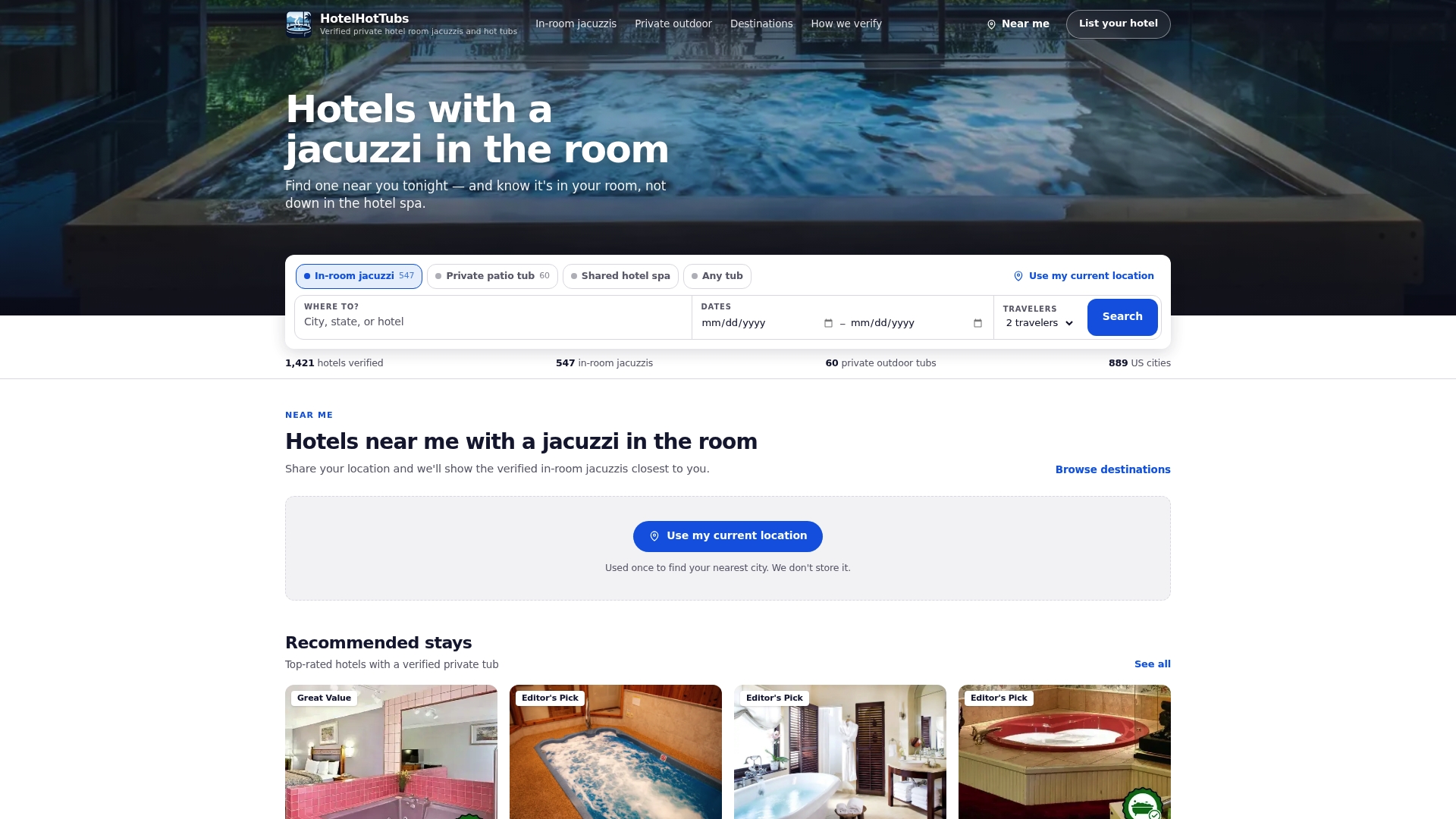
Our listings are built around a thorough verification checklist to help ensure accurate information. Every property on our site goes through our own verification process, confirming whether a jacuzzi is actually in the room, not just somewhere on the property, before it ever shows up in your search results.
- We label the source of verification for every listing, whether it's photo evidence, guest confirmation, or both.
- We publish claims only after verification to help ensure accuracy regarding private in-room tubs.
- Our free Chrome extension flags verified private hot tub rooms directly on Expedia and Booking.com while you browse.
If you're planning a getaway built around a private soak, start with hotels with a jacuzzi in the room and skip the guesswork entirely.
FAQ
How can I tell if a hotel photo was staged?
Staged photos often show only one or two flattering angles, unusually bright lighting, or furniture arranged in a way that maximizes the room's apparent size. Compare the official photo against guest-submitted images of the same room type to see whether the layout, lighting, and finishes actually match.
What's the fastest way to check if a hotel photo was stolen?
Run the image through Google Lens by uploading it or pasting its URL, then crop in on a distinct detail like a logo or the tub itself and search again. A match on a different hotel's listing or a stock photo site is a strong sign the image was reused.
Are AI image detectors reliable for spotting fake hotel photos?
Not on their own. An RMIT expert describes current AI-image detectors as "hit-and-miss" and recommends treating a detector result as one clue among several, alongside guest photos and independent address verification.
What should I do if I already paid for a listing that turned out to be fake?
Contact your bank or payment provider immediately to dispute the charge, then report the listing to the FTC at ReportFraud.ftc.gov. Save screenshots of the listing, your messages, and your payment confirmation before you report it.
Does Hotel Hot Tubs verify that the jacuzzi is actually in the room?
Yes, our listings specify and verify whether a jacuzzi is in-room, private, or shared, using photo or review evidence rather than relying on the property's own description alone. You can see exactly how that process works on our verification page.
Sources
- Google Search Help: Use Google Lens
- Rental listing scams | Consumer Advice (FTC)
- AI-manipulated images making it harder to spot fake travel deals, RMIT expert warns
- Understanding photo requirements for your property | Booking.com for Partners